
Mia Reesking – The Editing Studio is a beginner-friendly video editing masterclass designed to help creators produce clean, engaging, high-quality content without complicated software lessons or overwhelming editing jargon.
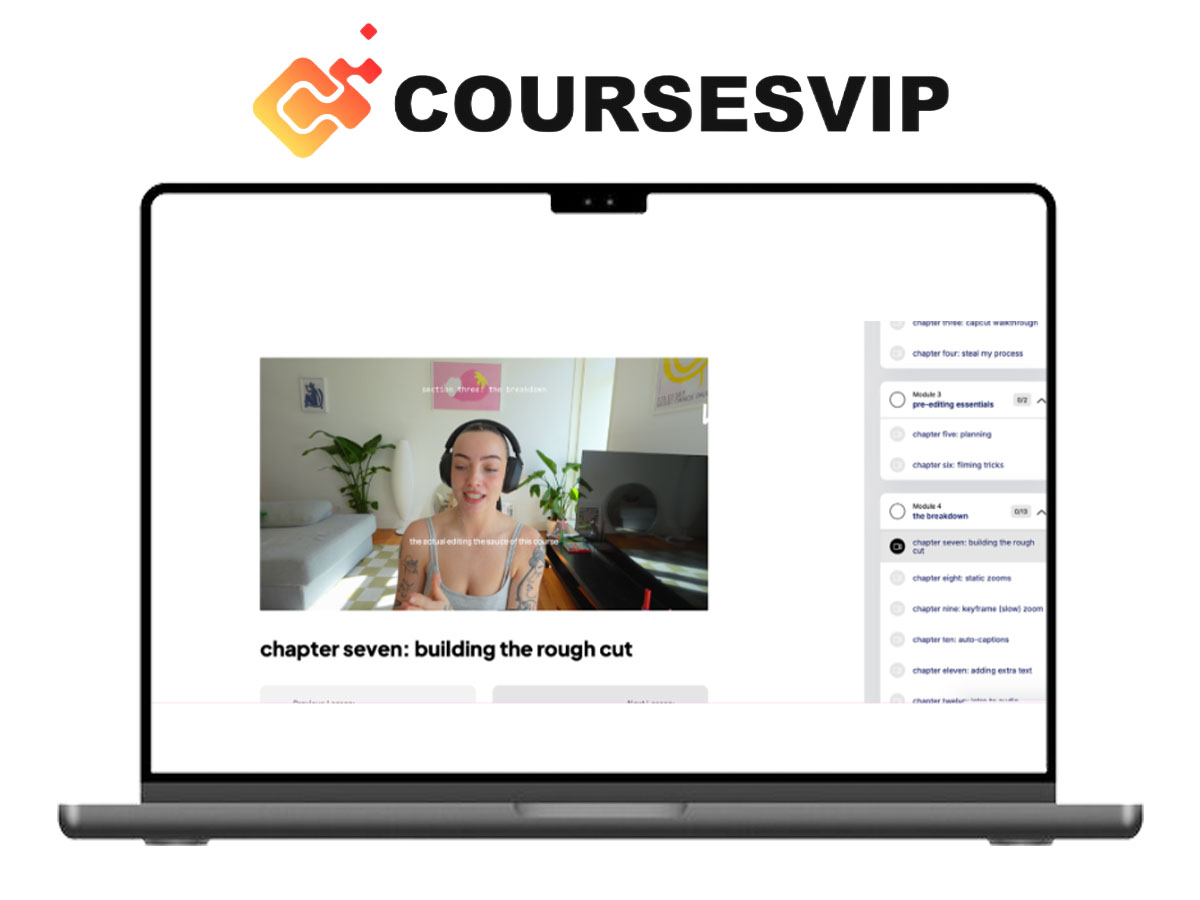
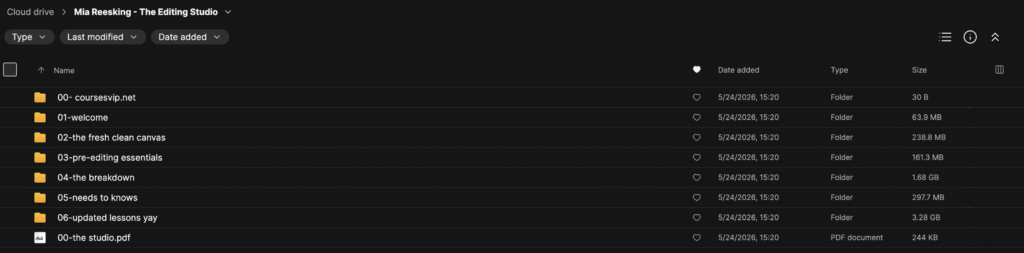
This self-paced course teaches Mia’s exact editing process through 23 mini lessons covering filming preparation, CapCut editing, overlays, sound effects, captions, color correction, platform settings, and content polishing.
Instead of random tutorials, The Editing Studio gives creators a simple editing roadmap for making better videos for TikTok, Instagram, YouTube, and other social platforms.
What’s Included in The Editing Studio
Inside this course, you’ll get access to:
- 23 mini video editing lessons
- CapCut interface breakdown
- Pre-filming essentials
- Basic editing techniques
- Overlay and layering systems
- Stop-motion and animation tips
- Text and auto-caption workflows
- Sound effects and sound design
- Masking and keyframe techniques
- Color correction lessons
- Importing and exporting guidance
- Platform-specific video settings
What You’ll Learn
Inside The Editing Studio, you’ll learn how to:
- Edit clean and engaging videos
- Use CapCut more confidently
- Create better short-form content
- Add captions, overlays, and effects
- Improve video quality before filming
- Use sound design and color correction
- Export videos correctly for each platform
The Editing Studio Course Breakdown
Module 1: Welcome
Get introduced to the course structure:
- How the course works
- What tools you need
- Editing mindset
- Learning path overview
Module 2: The Fresh Clean Canvas
Set up your editing workspace:
- Project setup
- Organizing footage
- Creating a clean workflow
- Preparing your timeline
Module 3: Pre-Editing Essentials
Improve your footage before editing:
- Filming basics
- Lighting preparation
- Audio quality tips
- Shooting for better edits
Module 4: The Breakdown
Learn the core editing process:
- Rough cuts
- Clip arrangement
- Timeline cleanup
- Basic storytelling flow
Module 5: Need-to-Knows
Master the essential editing tools:
- Text overlays
- Auto-captions
- Sound effects
- Layering and transitions
- Export settings
Module 6: Updated Lessons
Access newer lessons and extra techniques:
- Advanced editing updates
- Keyframes
- Masking
- Color correction
- Sound design improvements
What Makes This Course Different
Most editing courses feel too technical or overwhelming.
The Editing Studio focuses on:
- simple explanations
- creator-friendly workflows
- short practical lessons
- clean editing techniques
- social media-ready content
The course is built for creators who want better videos without spending months learning complicated editing software.
Key Benefits
- Learn video editing without overwhelm
- Improve content quality
- Create cleaner short-form videos
- Build confidence using CapCut
- Edit faster and more creatively
- Make content for TikTok, Instagram, and YouTube
Who This Course Is For
- Beginner video editors
- Content creators
- TikTok creators
- Instagram creators
- YouTubers
- Small business owners
- Creators who feel overwhelmed by editing
About Mia Reesking
Mia Reesking is a content creator and video editing educator known for teaching simple, creative editing workflows that help creators produce polished and engaging content for social media.
Final Thoughts
Mia Reesking – The Editing Studio is a practical video editing course for creators who want to make better content without complicated tools or confusing lessons.
If you want to improve your editing, create cleaner videos, and feel more confident using CapCut, this course provides a simple step-by-step roadmap.
Get Mia Reesking – The Editing Studio today.